
Nissan Armada 2025-2026 Service and Repair Manual: Removal and Installation
REMOVAL
CAUTION:
Never reuse combination switch. Always replace it with a new one when it is removed.
Remove spiral cable. Refer to Removal & Installation.
Disconnect harness connector from combination switch.
Remove the combination switch  mounting screw
  .
.
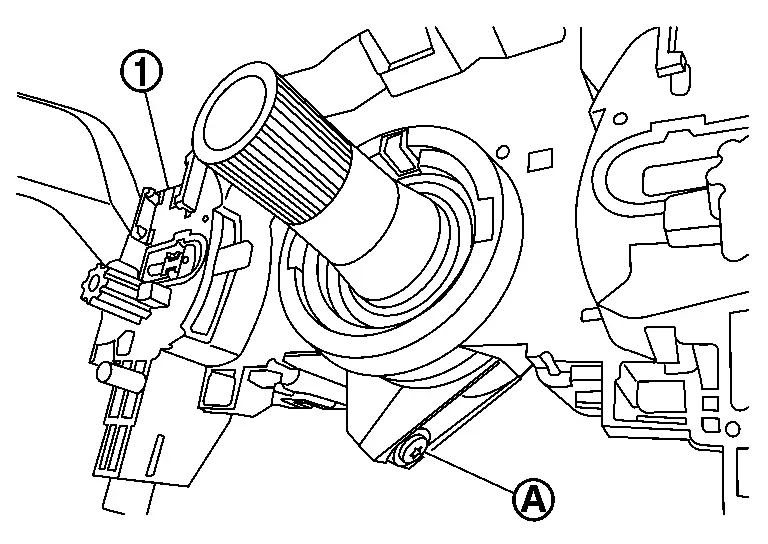
Pull out the combination switch by moving it alternately on the right and left side.
CAUTION:
Never deformation and damage the pawls. (With ProPILOT Assist 2.1)
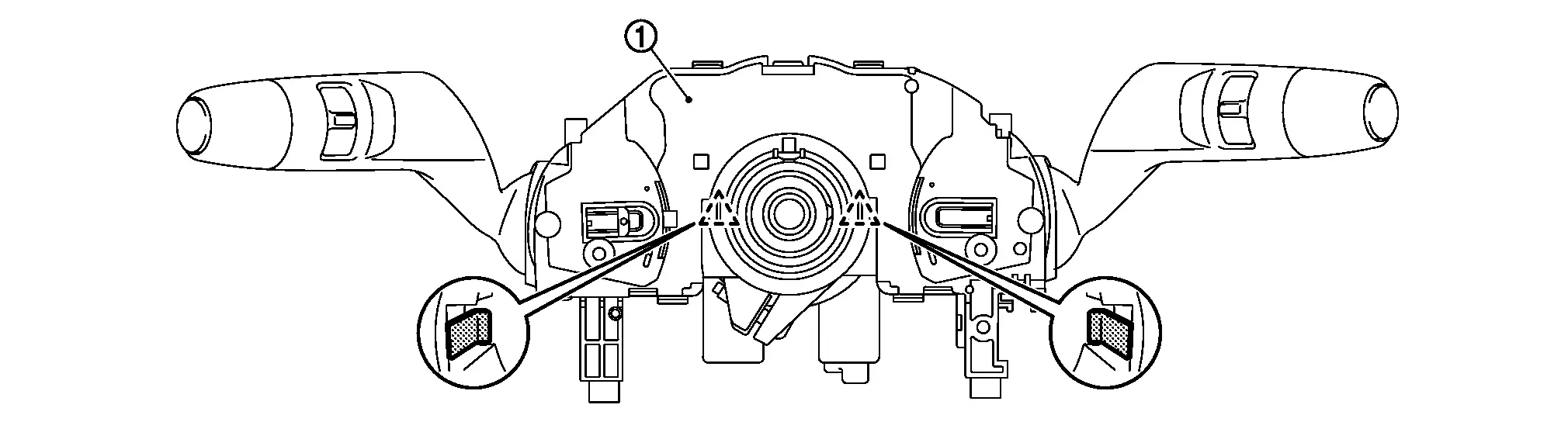
 | : Pawl |
INSTALLATION
Note the following, and then install in the reverse order of removal.
CAUTION:
Never reuse combination switch. Always replace it with a new one when it is removed. (Without ProPILOT Assist 2.1)
Visually check the pawls for deformation and damage during installation. Replace with new ones if necessary. (With ProPILOT Assist 2.1)
Insert the combination switch so that the protrusion
of the combination switch and the cut-out  of the steering column
  match together.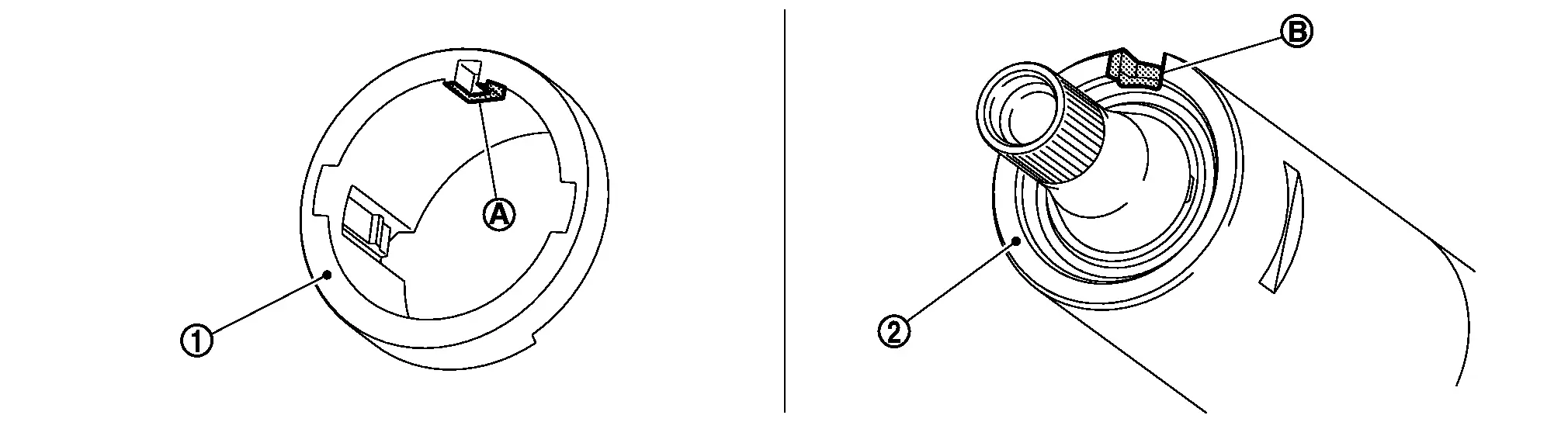


Other materials:
Work Procedure
Perform the following procedures after replacing the around view monitor control unit.
REPLACE AROUND VIEW MONITOR CONTROL UNIT
Replace around view monitor control unit. Refer to Removal and Installation.
>>
GO TO 2.
WRITING MAC KEY
With CONSULT
Perform MAC key writing. Refer to Description. ...
Lower Anchors and Tethers for CHildren System (LATCH)
LATCH system lower anchor locations - models with 2nd row captain's seats
LATCH system lower anchor locations - models with 2nd row bench seat
Lower Anchors and Tethers for CHildren System (LATCH)
Basic information
The Nissan Armada is equipped with a dedicated child safety anchoring ...
RCTA system operation
Side indicator light
Vehicle information display
Steering-wheel-mounted controls (right side)
The Nissan Armada RCTA system enhances driver awareness by monitoring cross traffic
when reversing. When the transmission is shifted into R (Reverse) and the vehicle
speed remains below ap ...

0.0053