Exploded View
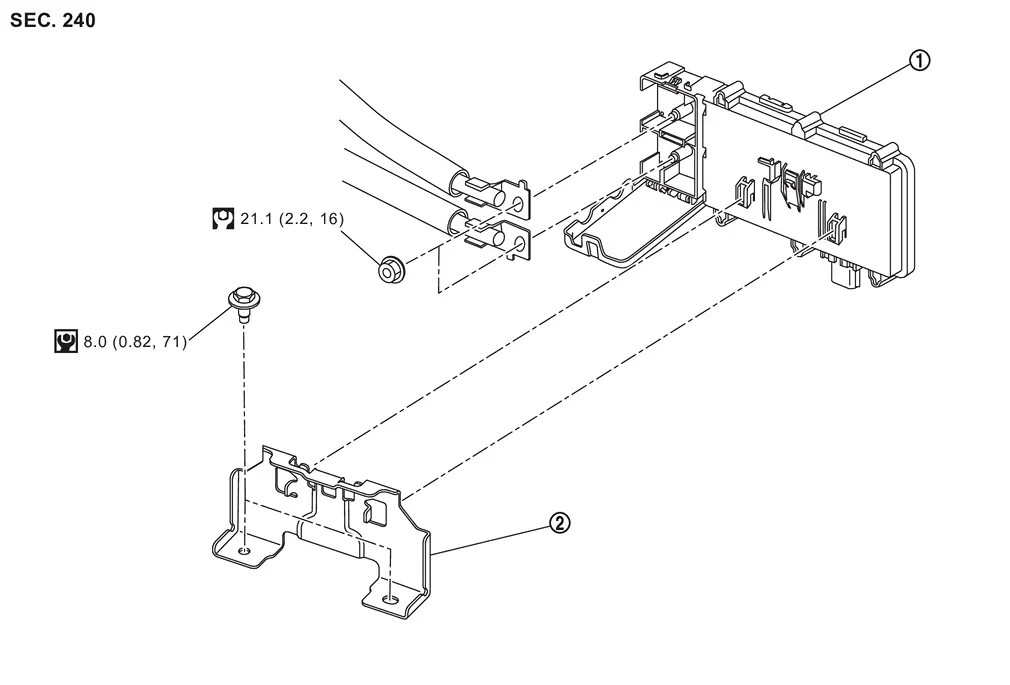
 |
Power network separate relay |  |
Power network separate relay bracket | ||
 |
: N·m (kg-m, ft-lb) | ||||
 |
: N·m (kg-m, in-lb) | ||||
Removal and Installation
REMOVAL
Disconnect the 12V battery cable from the negative terminal.
Remove 12V sub battery (lithium ion battery). Refer to Removal and Installation.
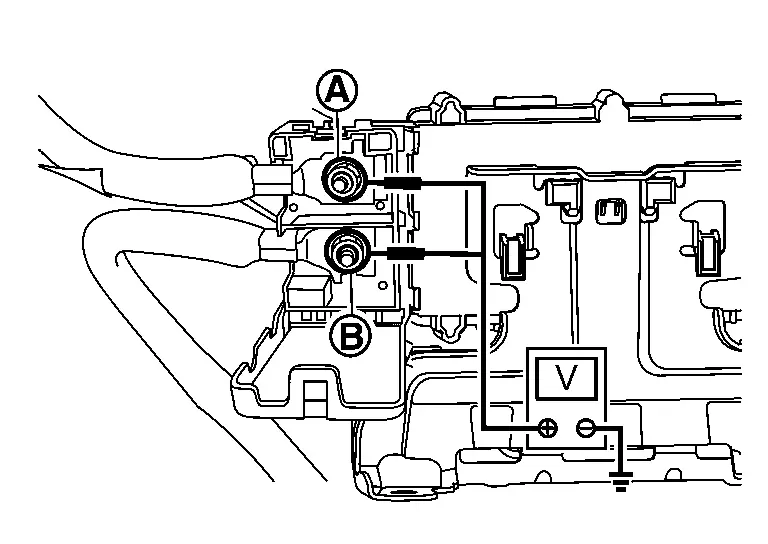
Check that there is no voltage (Approx. 0 V) between power network separate relay terminal and ground and power network separate relay terminal
 and ground.
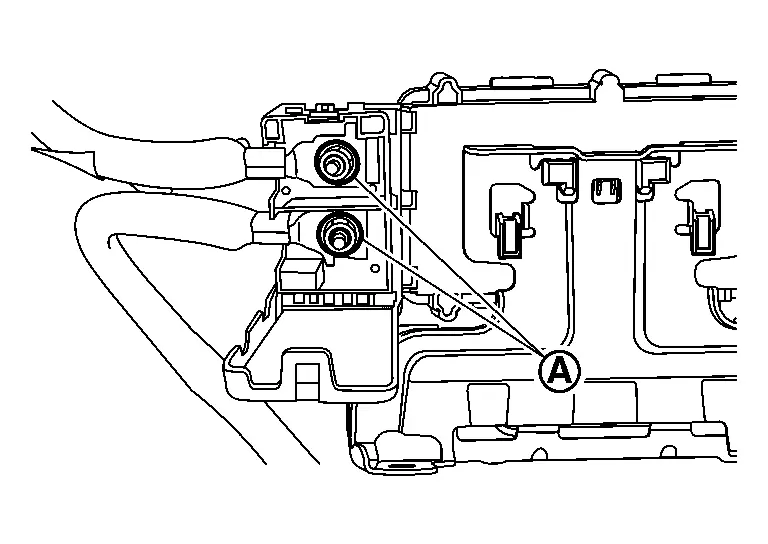
Remove the power network separate relay terminal nuts
CAUTION:
Protect each terminal with insulated tape so that each terminal of the power network separate relay does not come into contact with each other.
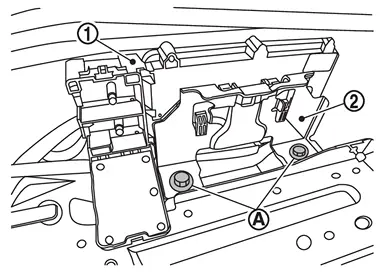
Remove the power network separate relay bracket mounting bolts , and remove the power network separate relay bracket and power network separate relay bracket .
Disconnect power network separate relay connector.
Push the lock and remove the power network separate relay from the bracket .
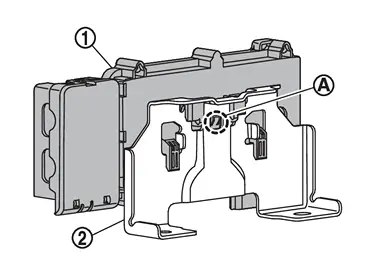
INSTALLATION
Installation is in the reverse order of removal.
Other materials
Rear Automatic Air Conditioning System
Symptom Table
NOTE:
Perform self-diagnoses with CONSULT before performing the symptom diagnosis. If any DTC is detected, perform the corresponding diagnosis. Symptom Corresponding malfunction part Check item/Reference
Rear air conditioning system does not activate.
Rear A/C switch
Display un ...
Back Door Touch Sensor
Removal and Installation
REMOVALRemove back door inner finisher. Refer to Removal and Installation.
Disconnect back door touch sensor harness connector .
Remove back door touch sensor fixing clips.
: Clip
Remove harness grommet from back door panel, and then pull out back door touch sensor ...
Normal Operating Condition
Description
Symptom Possible cause
Unstable object detection
The vehicle is on a rough surface, such as stone or gravel.
When used in poor weather conditions, such as heavy snow/rain or strong wind.
When subjected to an ultrasonic noise generated from exhaust muffler or brakes.
When le ...