Preparation
Special Service Tools
 NOTE:
NOTE:
The actual shapes of TechMate tools may differ from those of special service tools illustrated here.
|
Tool number (TechMate No.) Tool name | Description | |
|---|---|---|
|
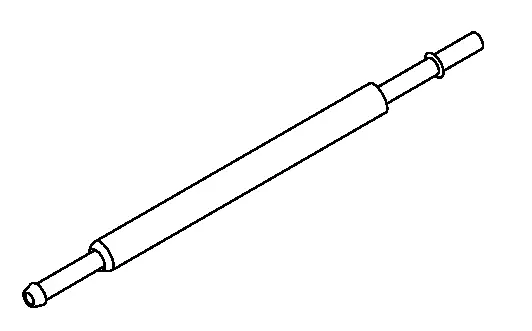
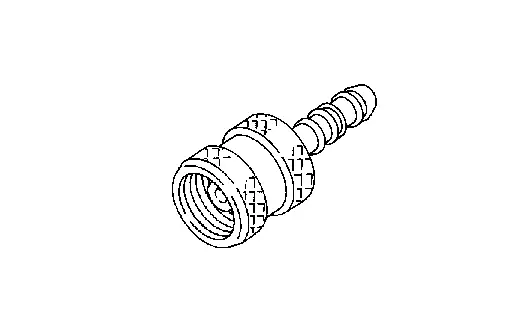
KV10120000 (—) Fuel tube adapter |
|
Measuring fuel pressure |
Commercial Service Tools
|
Tool name (TechMate No.) | Description | |
|---|---|---|
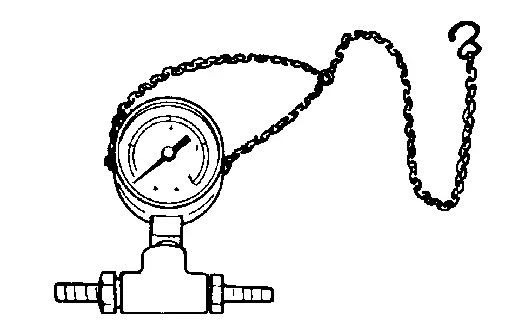
| Pressure gauge |
|
Checking fuel pressure |
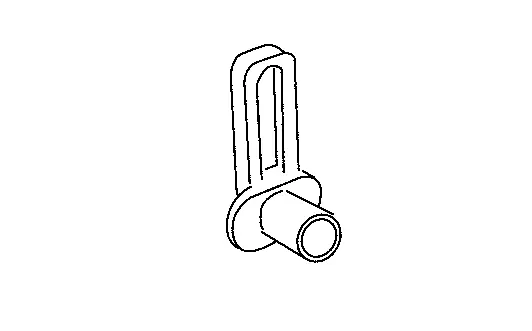
| Quick connector release |
|
Removing fuel tube quick connectors in engine room (Available in SEC. 164 of PARTS CATALOG: Parts No. 16441 6N210) |
|
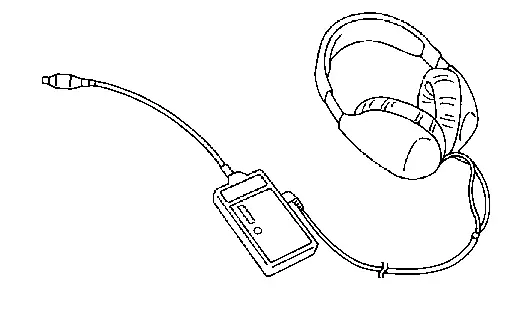
Leak detector i.e.: (NI-41416) |
|
Locates the EVAP leak |
|
EVAP service port adapter i.e.: (NI-41413-OBD) |
|
Applies positive pressure through EVAP service port |
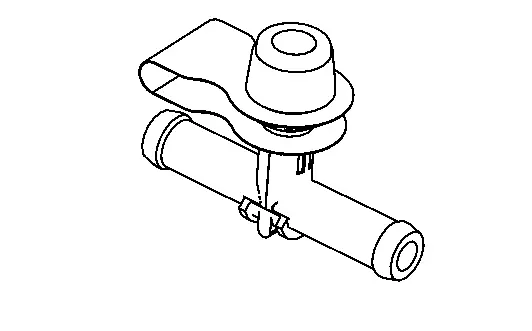
| EVAP service port |
|
Connects pressure pump to EVAP line (Parts No. 14939 3S500)
This tool is used if the vacuum delay valve does not have EVAP service port. |
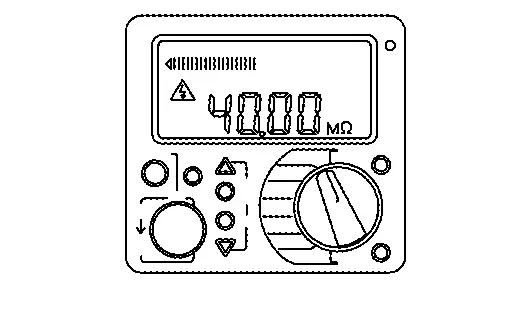
| Insulation resistance tester (Multi tester) |
|
Measuring insulation resistance, voltage, and resistance |
Other materials
Difference between predictive and actual distances
Basic information
The Nissan Armada RearView Monitor provides reference guidelines only. The actual
distance to objects may differ depending on terrain and object positioning.
On uneven surfaces such as slopes or when objects extend outward, the displayed
distance may not accurately reflect re ...
Basic information
Drive Mode Selector (example)
Vehicle information display (example)
The Nissan Armada features a versatile Drive Mode Selector system that allows
the driver to tailor vehicle performance to different driving conditions. By rotating
the selector dial to the left or right, you can quickl ...
I-BSI driving situations
Indicator on
Indicator off
Indicator flashing
Illustration 1 - Approaching from behind
Another vehicle approaching from behind
Illustration 1: In the Nissan Armada, the side indicator light will illuminate
when a vehicle enters the detection zone from the rear in an adjacent lane, h ...